

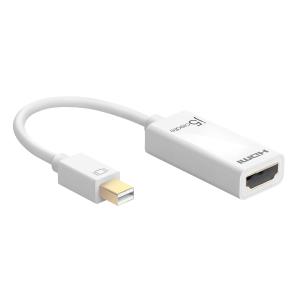
The JDA159 adapter allows you to quickly and easily connect your Mac® or PC to a 4K HDTV or other display device using an HDMI™ input. First connect the JDA159 to your computer. Then plug your existing HDMI™ cable from your display into the mini DisplayPort™ adapter. Compatible with both DisplayPort™ 1.2 and Thunderbolt™ 2, our JDA159 quickly converts the DisplayPort™ video signal into an HDMI™ signal, and with its plug-and-play technology there is no need to download any drivers.
Once you’ve experienced multiple monitors, you’ll never want to go back to a single monitor again.



















Every effort has been made to ensure the accuracy of all information contained herein. e-nitiative shall not be liable for any changes resulting in wrong product description, tax code and/or price. The shown information (specifications, prices, taxes) should be considered as an indication and can be changed at any moment and without any prior notice.
Design and development by